Where do deleted files go from hard drive/USB flash drive?
No matter you are experienced users or green hand while operating the computer, laptop, the common action you must do is to delete files with purpose to release free space on hard drive or USB flash drive. Unfortunately, you might delete important files mistakenly while clearing the unwanted files.Where do deleted files go in Windows 7/8/10?
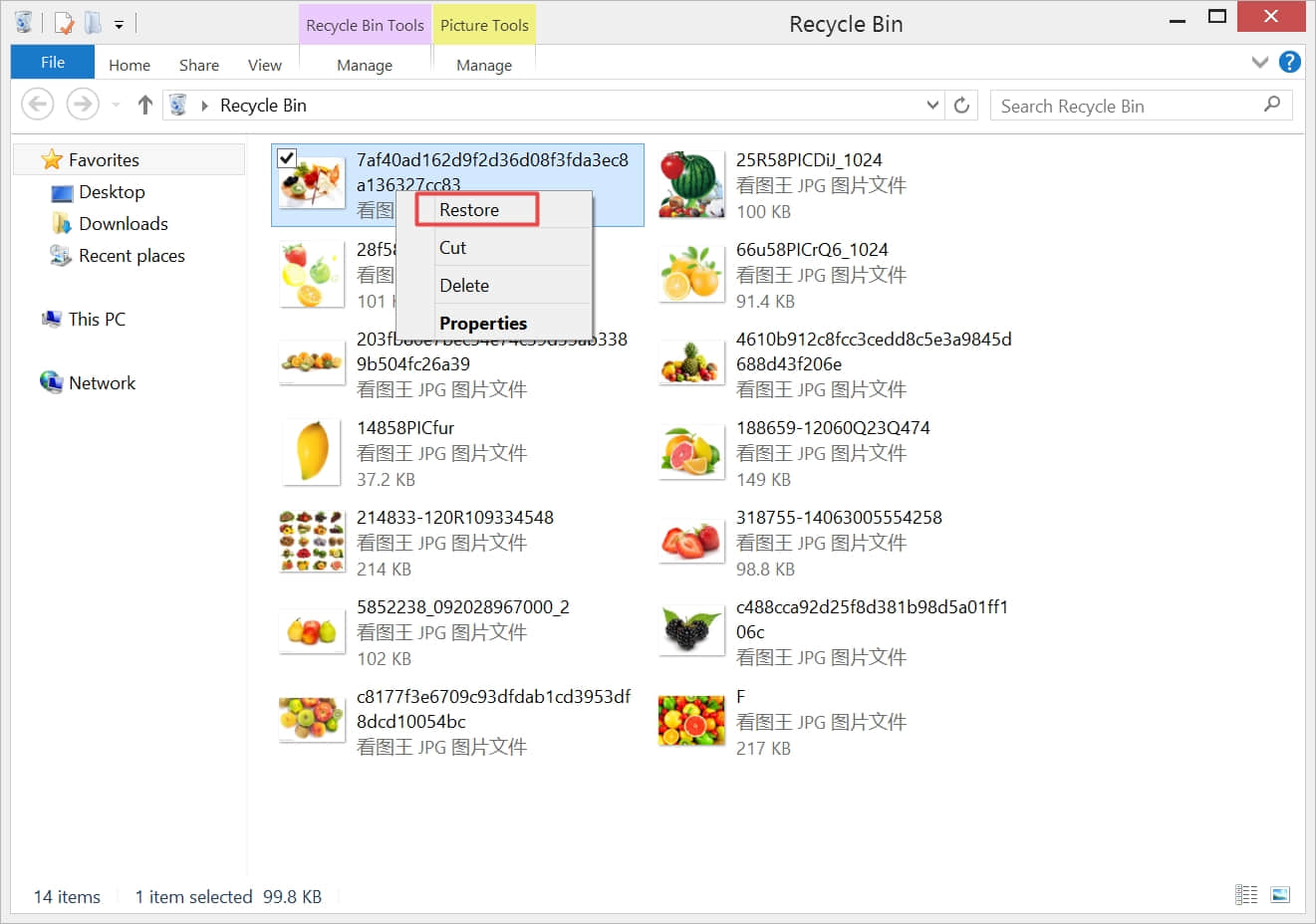
Actually, after pressed delete button or right-click the selected files and then clicked Delete. Windows system just sent the files the Recycle Bin, you can right-click all of the selected files in the Recycle Bin and then hit Restore.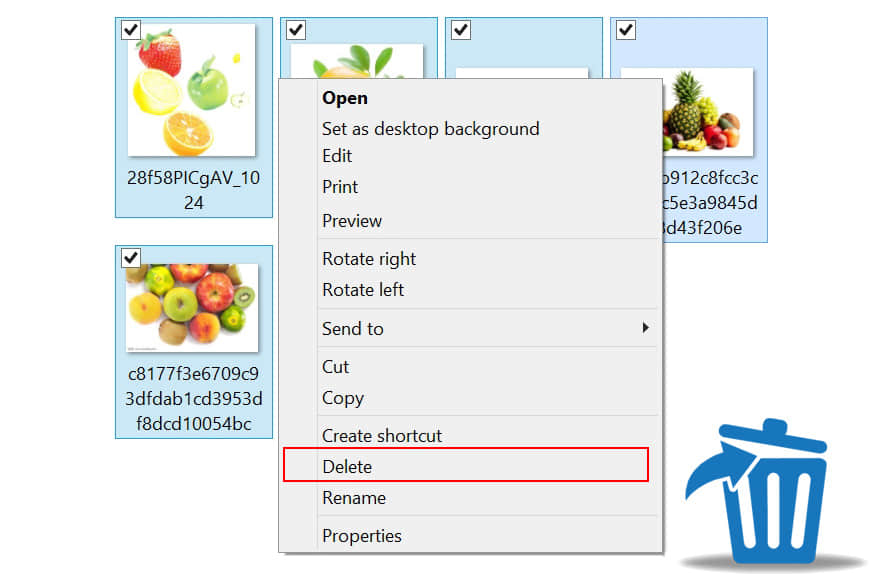
After click Restore, all of the deleted files will be restored to the original location. Therefore, you can easily get back the deleted files. Sometimes if you cannot find the files in the target location, simply check the Recycle Bin to find them there.
Where do deleted files go after permanently deleted files?
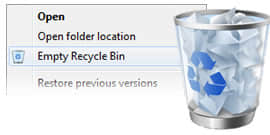
4 common causes of permanent deletion:1. Emptied the Recycle Bin.
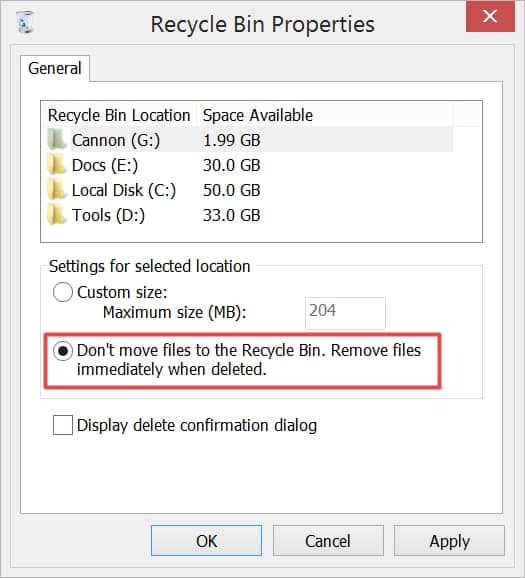
2. Selected Don't move files to the Recycle Bin. Removed files immediately when deleted option.
3. Pressed Shift+Delete button to delete the files directly.
4. Use third-party software, such as using CCleaner to delete the files without sent to the Recycle Bin.
Don't be anxious after the files disappeared, actually, the files still exist there and let's take a look at the reasons.
Why can the files be recovered after permanent deletion?
Before you save the large file on the hard drive, flash drive or any other storage device, that file will be divided into two parts – content and parameters, the parameters are generated for indicating the file's location, size and other information.When you open the files, the system follows the parameters to pull up the data. Or the system deletes the parameters when deleted the files permanently, that's why the files disappeared due to the loss of parameters.
Read more? Where Do Deleted Files Go? It's Not A Secret Any More.


没有评论:
发表评论