2018年10月7日星期日

[Issue Solved] how to fix “a disk read error occurred”

Summary: When the “A disk read error occurred” error screen appears on startup on a black screen without an identifiable error code.  If your computer gives this error, you should be very cautious and handle it as soon as possible. What should you do?
 
It appears with message "A disk read error occurred Press Ctrl + Alt + Del to restart" as picture below. When you press Ctrl + Alt + Del to restart computer you still get same error without being able to boot up Windows. Since reasons behind this error are varied, there is no set solution to fix this issue. We provide a couple of different solutions so that you can try out to fix this problem on your own.
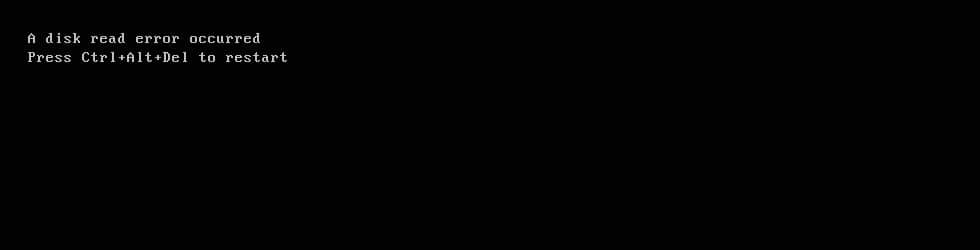
a disk read error occurred
 

Two steps to fix "A disk read error occurred" issue

Step 1. Backup or recover your data

Step 2. Try the following guides to fix "A disk read error occurred" issue

want to know how to fix the issue, please refer to: https://www.bitwar.net/course/delete/1317.html

没有评论:

发表评论

Jak odzyskać usunięte lub utracone partycje na dysku Windows?

  Po uruchomieniu komputera zauważyłeś, że jedna z partycji zniknęła? Twoje ważne dane mogą być przechowywane na tej partycji. Jak odzyskać ...