Sometimes, unexpected data loss disasters may happen due to different reasons. So how to recover deleted videos on Android phone internal memory or without a computer? This article will give you an answer.
How to Recover Deleted Videos on Android?
Don't panic! You can recover deleted videos on Android phones. In Android phones, the deleted videos are still saved on the internal storage, and they just marked as useless and could be overwritten by new data. So if you want to have deleted videos restored, please stop using your phone. Then use the phone data recovery tool: Bitwar Android Data Recovery to help you find all the deleted videos on Android. It allows you to recover media files like videos using only the Android phone, without involving a PC at all.
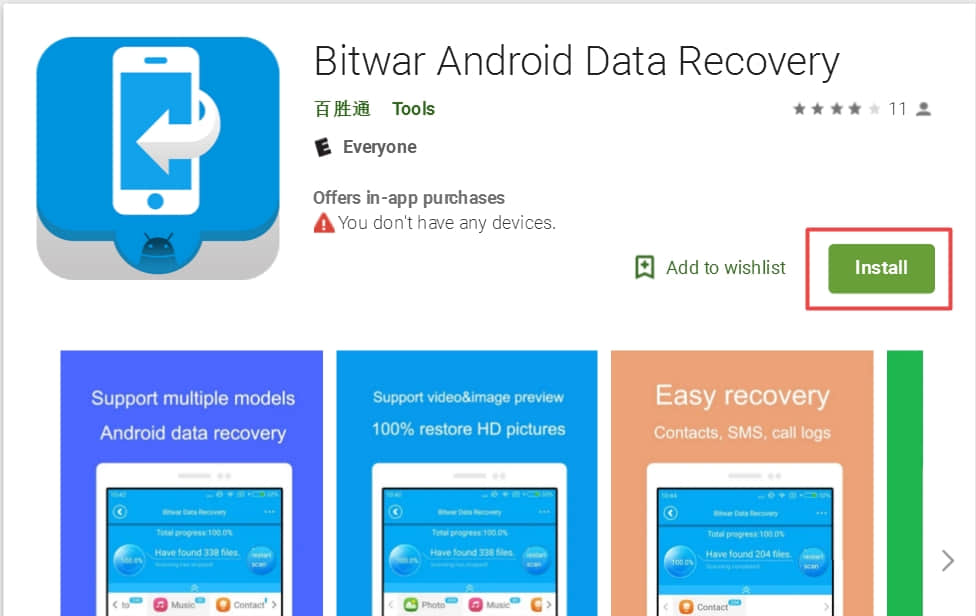
Step One: You can download Bitwar Android Data Recovery on Google Play and follow the guide below to start the recovery process: https://play.google.com/store/apps/details?id=com.xmbst.recovergoogle&hl=en_GB.
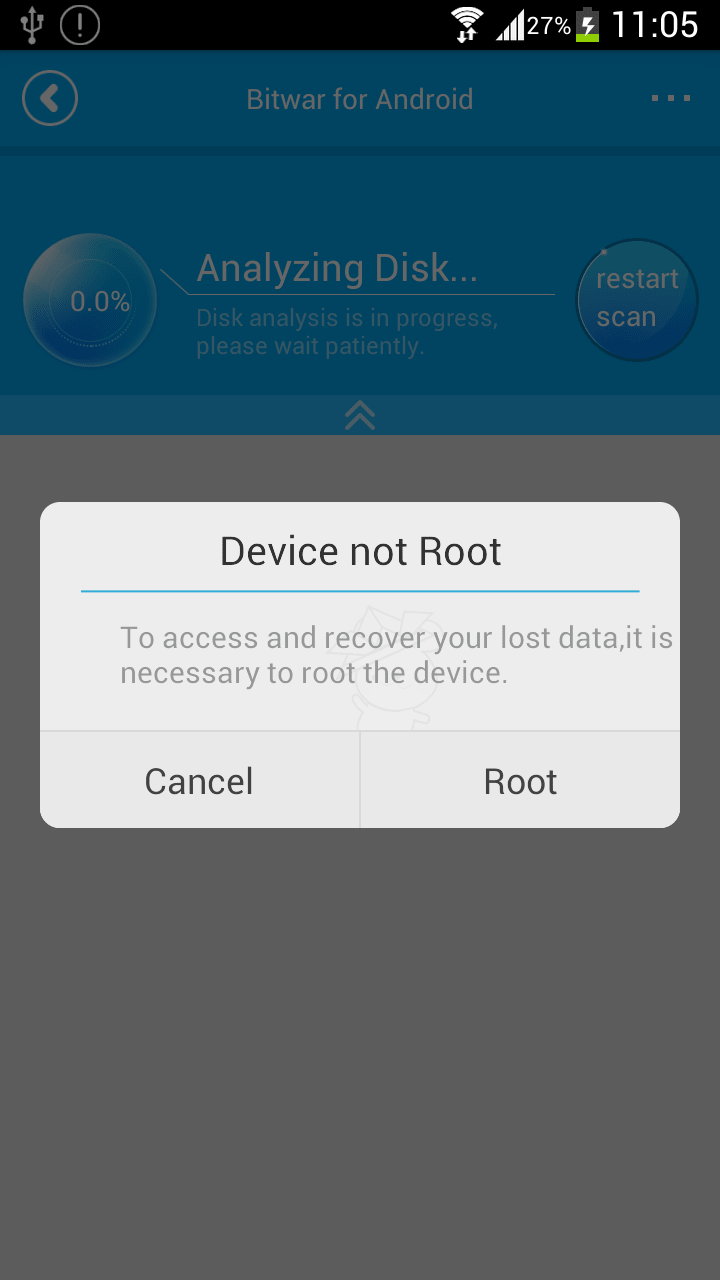
Step Two: Launch Bitwar Android Data Recovery Application, and if your phone does not contain a root, it will inform you to root the phone first. We can click root to download the root application.
Step Three: After root, there's an "Analyze Device" window pops up before you go next with video recovery.
Read more about Bitwar Android Data Recovery and see detailed tutorials: How to Recover Deleted Videos on Android?


没有评论:
发表评论